Building a Self-hosted Home Server with Raspberry Pi 5
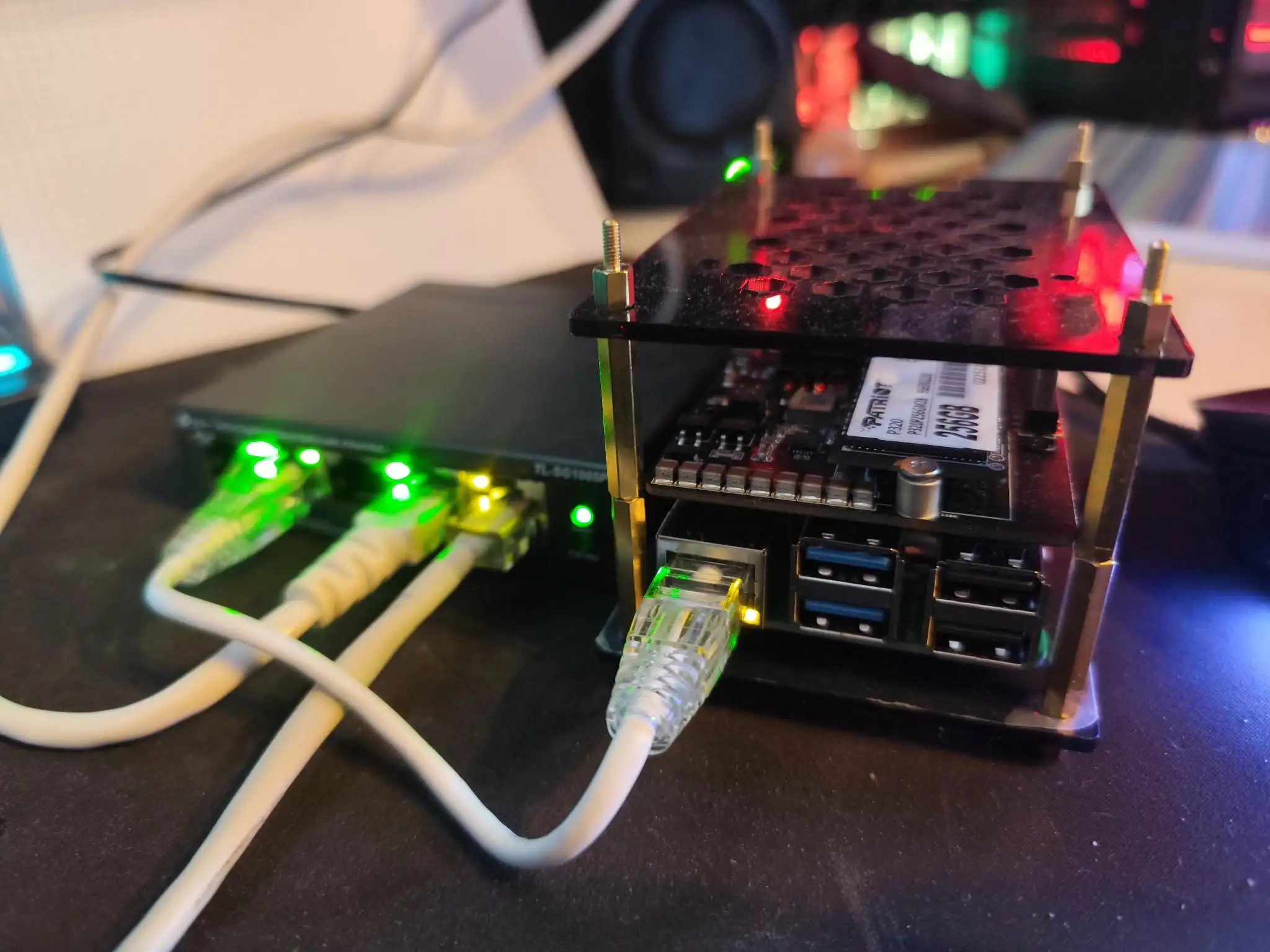
Want to build your own home server? You're in the right place! Throughout this series of articles, I've documented how I built mine and how you can do the same.
It's an evolving project: new chapters will be added as the setup progresses. Each chapter stands on its own while building on the previous ones, so feel free to jump straight to the section that interests you most!
In this series
- Hardware & OS
- Chapter 1
Set up a Raspberry Pi 5 with a PoE HAT and an NVMe SSD
Learn how to build a compact, power-efficient homelab server using a Raspberry Pi 5. This guide covers hardware selection, assembling a PoE HAT with an NVMe SSD, and initial boot configuration.
5 min read - Chapter 2
How to migrate the Raspberry Pi 5 OS to an NVMe SSD
Learn how to manually migrate your Raspberry Pi 5 operating system from a USB stick or SD card to a faster NVMe SSD. This step-by-step guide covers partitioning, copying files, updating boot configurations, and avoiding common pitfalls.
7 min read - Networking
- Chapter 3
Install and configure Pi-Hole on a Raspberry Pi 5
Learn how to set up Pi-Hole on a Raspberry Pi 5 to act as a network-wide ad blocker. This guide covers configuring a static IP, installing Pi-Hole, and routing local domains.
6 min read - Cluster & Kubernetes
- Chapter 4
How to install Kubernetes K3s on a Raspberry Pi 5
Learn how to install and configure K3s, a lightweight Kubernetes distribution, on a Raspberry Pi 5. This guide covers enabling cgroups, setting up the cluster, and configuring remote access with kubectl.
9 min read - Chapter 5
Deploy a simple application with Kubernetes
Learn how to deploy a basic HTML application to your local Kubernetes cluster. This guide covers building a Docker image, pushing to GitHub Container Registry, and writing essential YAML configurations.
6 min read - Chapter 6
Install Longhorn : Highly Available Kubernetes Storage and Disaster Recovery
Learn how to install and configure Longhorn for highly available Kubernetes storage. This guide covers volume migration, snapshots, backups, and disaster recovery.
13 min read - Chapter 7
DDNS and HTTPS Certificates : How to expose a home Kubernetes cluster to the internet
Learn how to expose your home Kubernetes cluster to the public internet. This guide covers setting up Dynamic DNS, router port forwarding, and automatic HTTPS with cert-manager.
14 min read - DevOps
- Chapter 8
Self-host a Container Registry with Zot on Kubernetes
Learn how to self-host a private, production-ready container registry on K3s using Zot. This guide covers Helm installation, CI/CD integration, image signing with Cosign, and vulnerability scanning with Trivy.
16 min read - Chapter 9
Argo For Kubernetes: From Argo CD to Workflows and Image Updater | A complete Guide
Learn how to build a fully native, end-to-end Argo Ecosystem on Kubernetes. This step-by-step guide covers setting up Argo CD, Argo Workflows, and Argo Image Updater.
22 min read